SSH Memo

Private tasks & notes synced to your own SSH server. No cloud, no tracking.
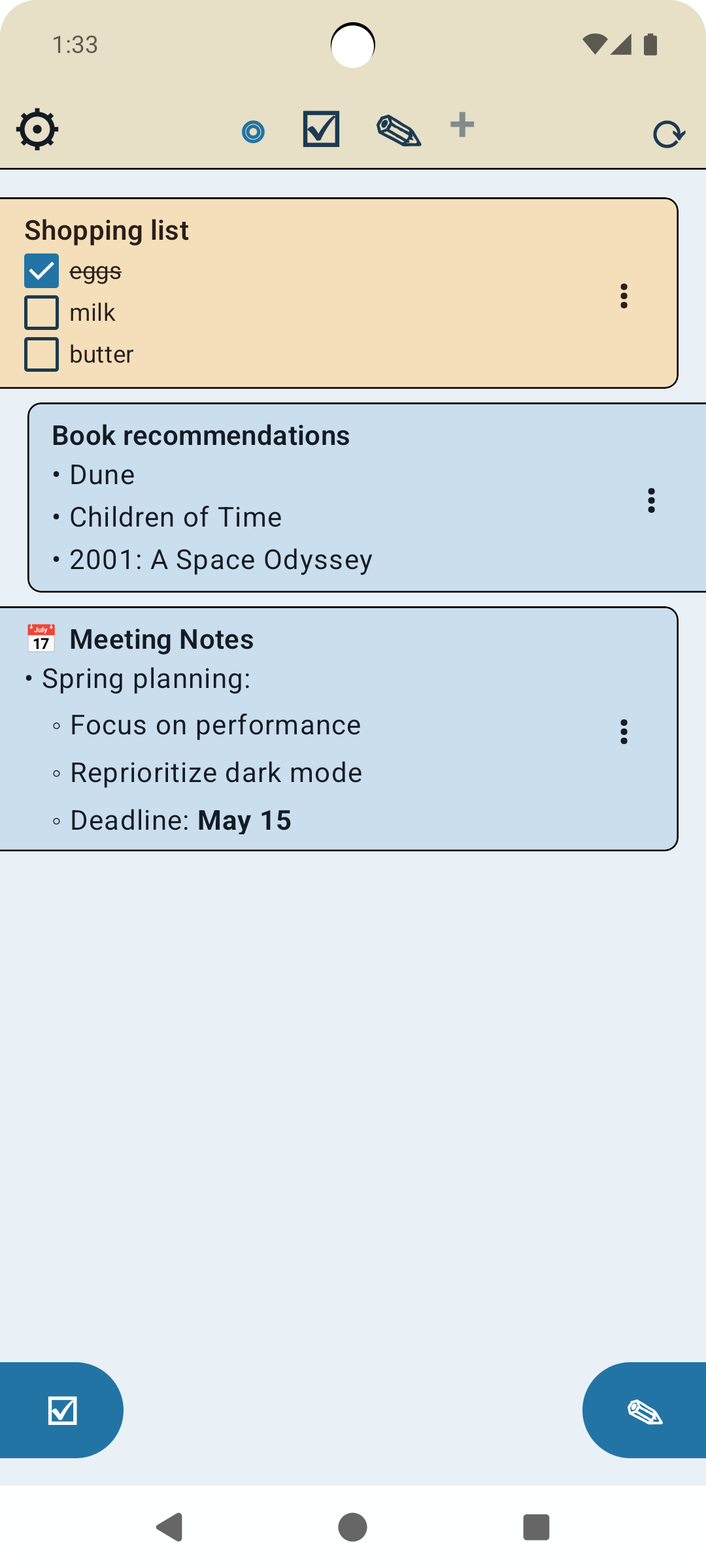
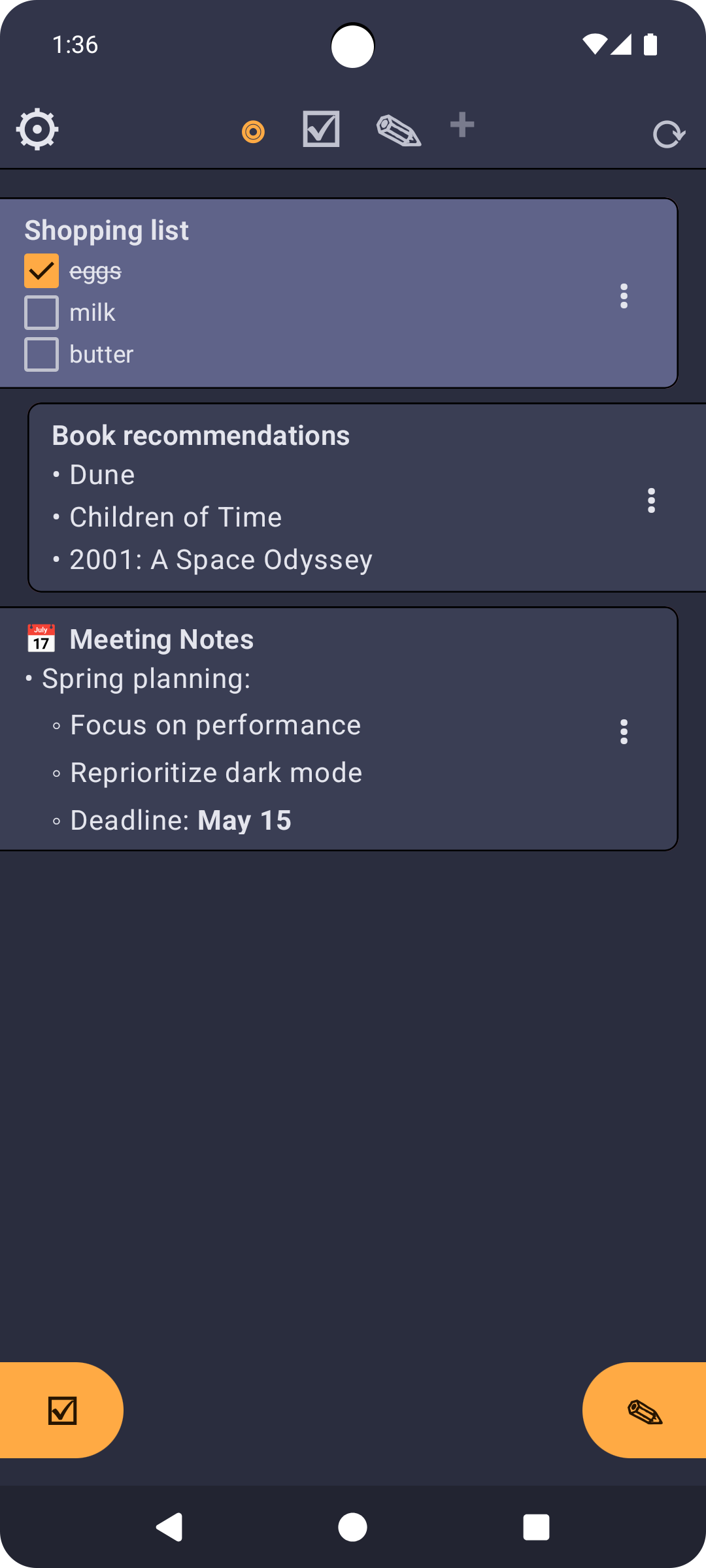
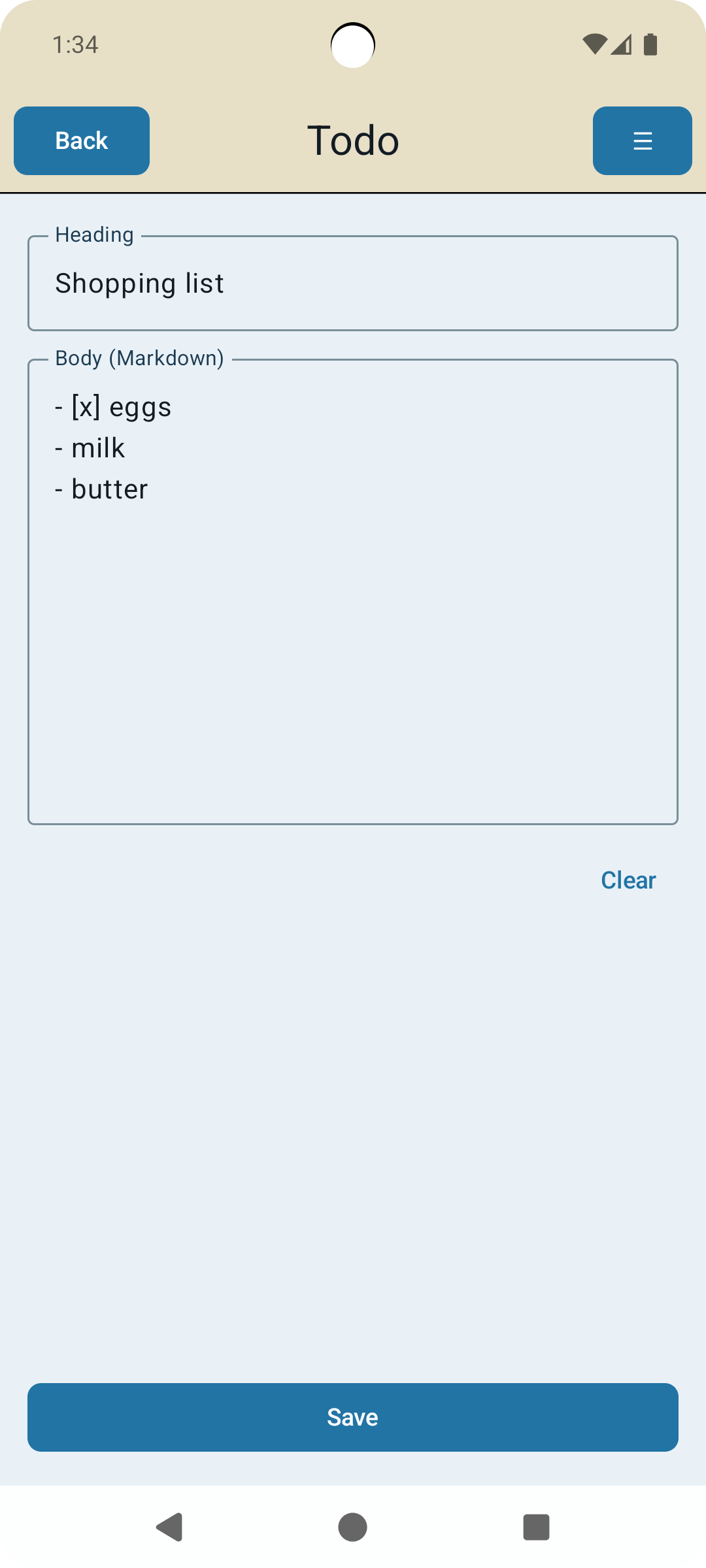
SSH Memo is a task and note manager that syncs to a server you control — not someone else’s cloud.
Your data lives on your own SSH server as plain Markdown files. No accounts, no subscriptions for the core feature, no third-party servers storing your personal information.
Share your data with other devices or other users who can have access to your SSH server. You can create a dedicated SSH user for just this app if you want to.
Notes are stored in the server in standard Markdown format, which you can use there if you want to. The app has no ads and can be used with any amount of users you want as is. If you like the app you can get the full version by purchasing it through the app settings to enable using media files in the notes.
Why SSH Memo?
Most productivity apps quietly store your notes on corporate servers. SSH Memo puts you in control: sync happens over encrypted SSH directly to your own machine or VPS. If your server is offline, the app keeps working locally and syncs when it reconnects.
Key features:
- Private by default — data syncs only to your own SSH server via SFTP; nothing passes through third-party servers
- Markdown storage — files are plain .md text files, readable and editable by any app or text editor on your server
- Tasks & notes — separate item types with full Markdown support, including checklists with in-app tap-to-check
- Full-text search — search across all tasks and notes instantly; results scroll to the matching text when opened
- Reminders — set date+time reminders on any task or note; notifications survive app restarts
- Custom categories (Premium) — organize notes into color-coded, icon-tagged categories, each stored in its own server folder
- Convert between types (Premium) — turn a task into a note or vice versa at any time, preserving all content
- Shared lists — sync to a shared folder on the same server so household or team members see the same items
- Encrypted private items (Premium) — mark individual items private; they are encrypted on the server and visible only to you
- Conflict resolution — when the same item is edited on two devices, a diff view shows exactly what changed on each side; pick a version per paragraph, merge both, or accept one side in full
- Built-in SSH key generation — generate and install an SSH key pair directly from the app; no terminal required
- Media attachments (Premium) — attach images, audio, or video to any note or task
- Markdown live preview (Premium) — see your formatted output while writing in the markdown editor
- Web UI — optional companion web interface (self-hosted Python script) to browse, search, and edit your notes from any browser
- Drag to reorder — reorder tasks and notes with haptic long-press drag
- Task history — accidentally deleted a task? Swipe to the history view to recover it
- Sync log — see a timestamped log of every upload and download for full transparency
Who is it for?
- Self-hosters and privacy-conscious users who already run a VPS, NAS, or home server
- People who want their notes in an open, portable format they can access without the app
- Households or small teams sharing a single SSH server
What you need:
Nothing for the notes but for sync an SSH server with SFTP access (any Linux VPS, Raspberry Pi, NAS, or similar). The app handles the rest.
SSH Memo Premium
SSH Memo is free to use for core task and note syncing. A one-time Premium purchase unlocks:
- Custom categories — color-coded, icon-tagged note types, each synced to their own folder on your server
- Encrypted private items — end-to-end encrypted items visible only on your authorized devices
- Media attachments — attach photos, audio recordings, or video clips to any task or note
- Convert between types — turn any task into a note or any note into a task without losing content
- Archive — send receipts and documents into your sever folder for backup, in YYYY/MM/DD based folder and browse them from any other device
No subscription. Pay once, keep it forever.
Privacy
Support
Email: mdreamrdev@google.com