
Learning kanji with screen saver
A simple screen saver feature that helps you learn kanji and Japanese vocabulary passively while your phone charges.
So, the screen saver is the newest feature that I managed to finally add to the Kanji Splash, my app for Japanese learning and studying kanji. I think it’s pretty cool thing and I’m happy how it turned out!
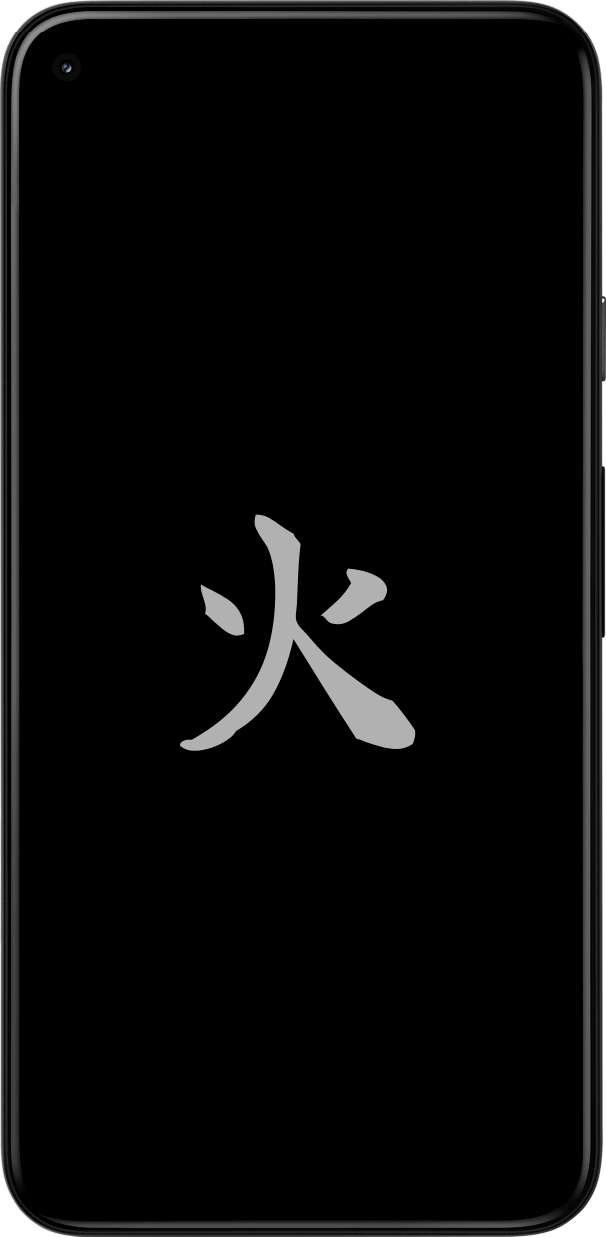
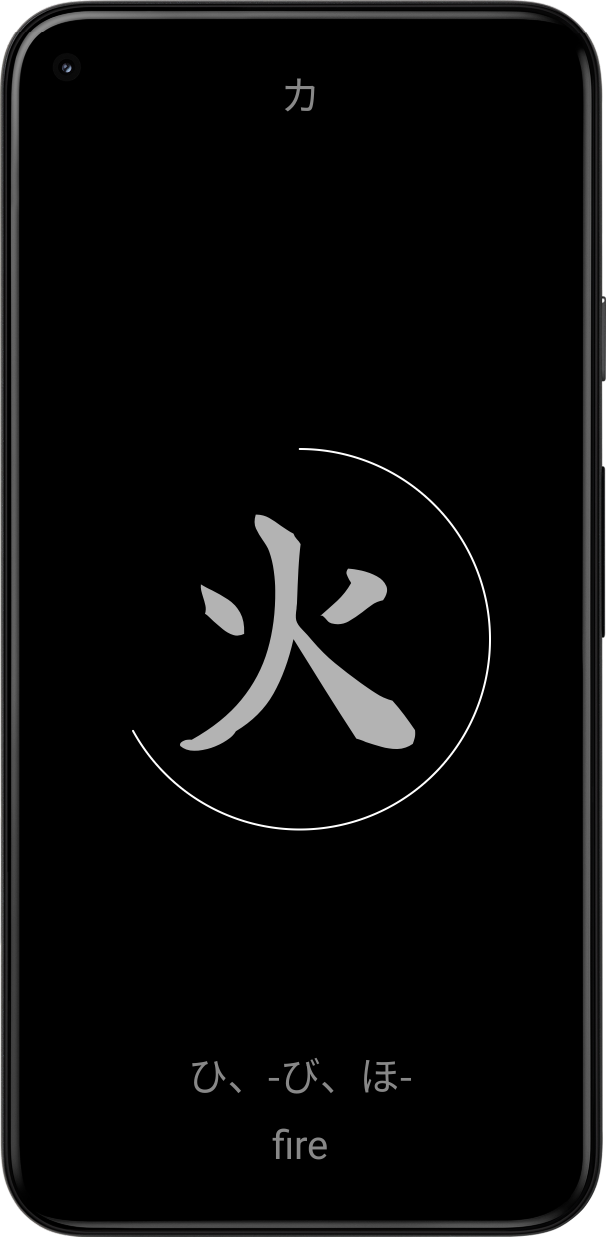
If you enable it, every time you plug in your device to the charger it will trigger the kanji from your current selected list. And you can browse the words by swiping left and right. It’s a nice way to keep your Japanese vocabulary and kanji recognition fresh without having to open the app, especially if you keep your phone charging in your desk all day.
It can now be enabled via the app settings, so you don’t need to hunt for it in the device settings (although it just links to the correct settings) page.
Hope it is nice additional feature for learning and remembering the kanji!
[dreamr.fi ~]$How to mess it up and fix it? I implemented the screen saver first as instructed but did not consider that trying to use the same viewmodel view in from it would duplicate the viewmodel process when ever the screen saver is launched. Basically it started another instance of the whole app, which was unnecessary of course.
Didn’t notice this until I debugged some other issue, and curiously saw duplicated logs everywhere. Fix was easy luckily, I made a new stripped down viewmodel just for the screen saver. Neat and only small amount of code duplication required.
Could perhaps move few of the methods still to a common library class, maybe at some point.